How do I reset my MFA - lost/replaced phone
How do I reset my MFA
Requesting a Reset of your MFA triggers a security check.
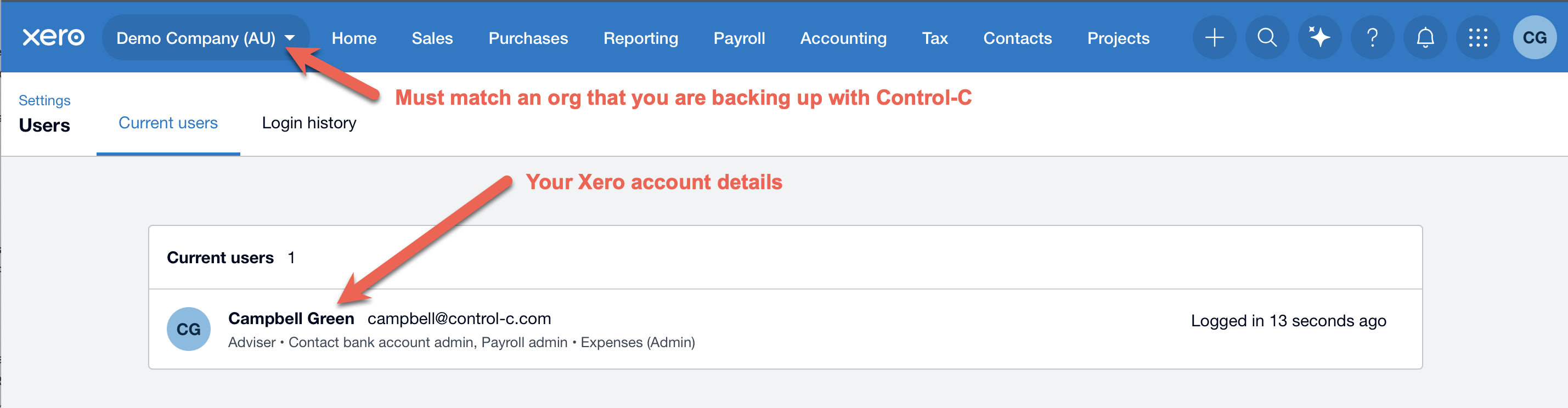
1. You must provide this screen shot - see details in red text.
Login to Xero
Select the Xero organisation that is being backed up
Select Setting
Click on the Users and find your user account and send a screen shot of this back to [email protected]
2. We will also reach out to you to verify that you personally made the request or ask for another form of ID or validation from the Control-C Company Manager of your account.